
Hayes Allen Day
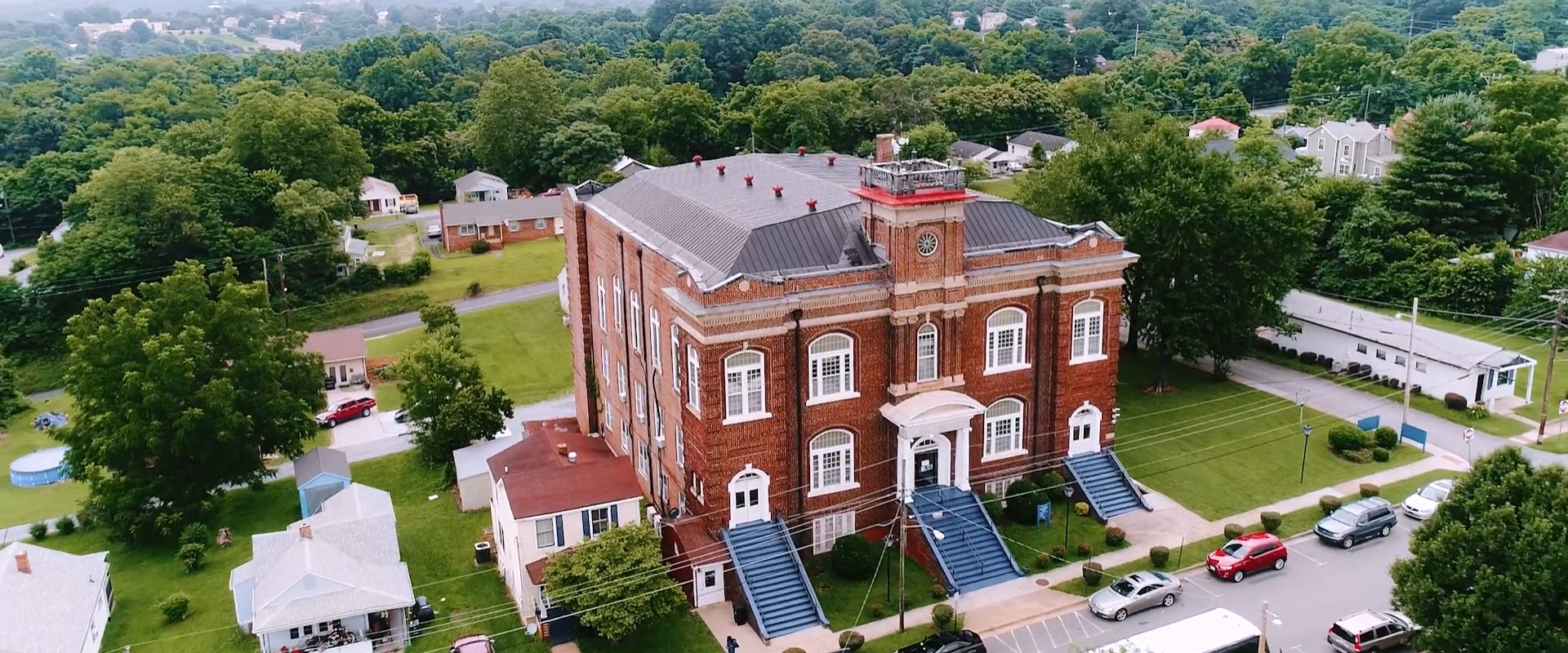
Welcome to VUL
Inside the classrooms, you will find some of the finest educators in the country. All over the campus, you will find a very gifted and diverse student body, devoted to the pursuit of knowledge and achievements. In keeping with our motto of “Self-help and Interdependence,” VUL is proud to offer higher education to students who may not have the chance to attend larger traditional universities. In a real sense, we see ourselves as the ancient phoenix who recreates itself from the ashes of its past. We invite you to participate in our resurrection.
~Dr. Kathy Franklin
Read MoreFeatured Programs
-

Doctor of Healthcare Administration
Doctor of Healthcare Administration prepares professionals for leadership roles in education and clinical practice.
Read More -

Doctor of Ministry
Read More
The School of Religion focuses on developing students into scholars and relevant servant leaders.
Featured Programs
-
Doctor of Healthcare Administration
The DHA program is to prepare health professionals to be leaders in healthcare by acquiring skills as educators, administrators, members of research teams and advocates for best practice. Through our program, students will be given the opportunity to critically evaluate and learn from literature, extending their knowledge to better serve their customers. They will also gain the business acumen to move into positions of leadership within their institutions or clinics.

-
Doctor of Ministry
The Leonard N. Smith School of Religion at Virginia University of Lynchburg seeks to recognize the possibilities in every human being and maximize the gifts of the individual within the context of a thoroughly Christian and nurturing environment.
Since our inception in 1886 the impact of the principles of self-help and spiritual development have been far reaching as our graduates have assumed major positions of influence in the church and academy throughout the world.

Can we help you find what you are looking for?